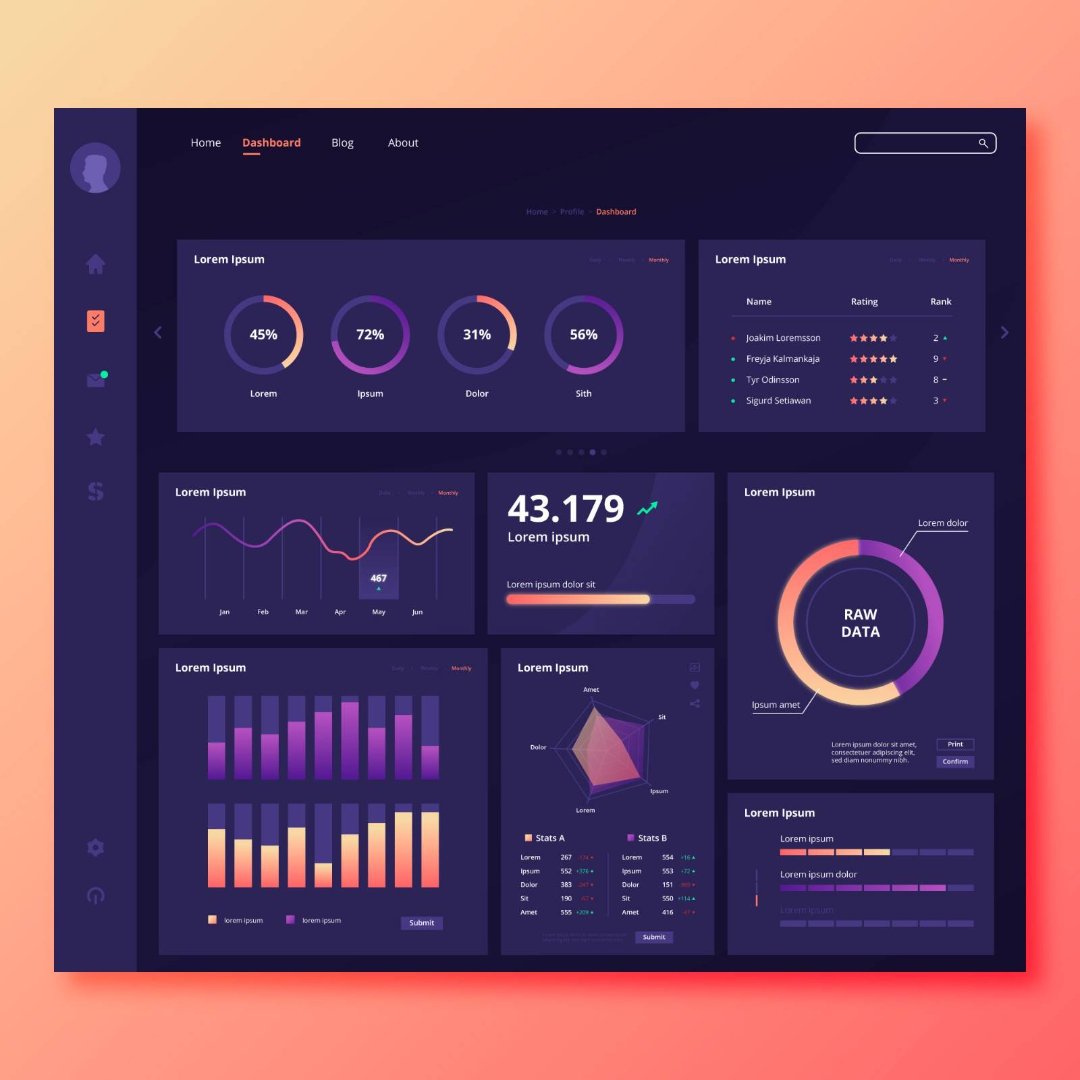
Power BI dashboards are designed to help organizations analyze data quickly and make informed decisions. However, as datasets grow larger and reports become more complex, performance issues can arise.
Slow dashboards can frustrate users and reduce the effectiveness of analytics solutions. As a result, performance optimization is an important skill for Power BI professionals.
Understanding how to structure datasets, optimize calculations, and design efficient dashboards can significantly improve report speed and usability. This article explores several best practices for improving Power BI report performance.
Reduce Data Volume
One of the most effective ways to improve Power BI performance is to reduce the amount of data being loaded into reports.
Instead of importing entire datasets, analysts should:
• remove unnecessary columns • filter data during import • aggregate datasets when possible
Reducing dataset size helps Power BI process queries more efficiently.
Use Efficient Data Models
A well-designed data model plays a critical role in report performance.
Analysts should structure datasets using a star schema model, where fact tables connect to dimension tables.
This structure simplifies relationships and improves query performance.
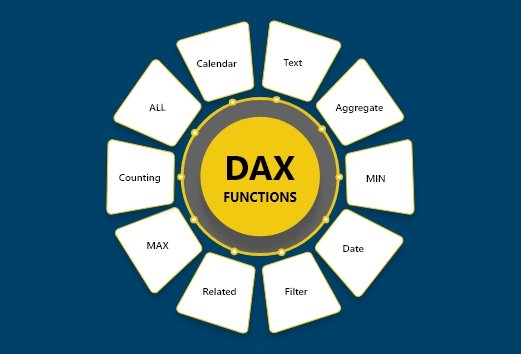
Optimize DAX Calculations
DAX calculations can also affect report speed.
Best practices include:
• using measures instead of calculated columns when possible • minimizing complex nested calculations • avoiding unnecessary filters
Efficient DAX expressions help reduce processing time.
Limit Visuals on Dashboards
Another common reason for slow reports is too many visuals on a single dashboard.
Each visual requires Power BI to perform calculations.
Limiting dashboards to essential visualizations and key metrics can significantly improve performance.
Power BI Career Skills
Performance optimization is a valuable skill for professionals working in business intelligence roles.
This article outlines general best practices for improving Power BI report performance.
For learners interested in developing advanced Power BI skills through practical projects, instructor-led programs such as the Power BI Course offered by Excelgoodies combine performance optimization techniques with real dashboard development scenarios.








 Power BI
 SQL
SQL Power Apps
 Power Automate
 Microsoft Fabrics
 Azure Data Engineering