DAX, or Data Analysis Expressions, is the formula language used in Power BI to perform calculations on datasets.
While Power BI allows users to create visual reports easily, DAX enables analysts to build advanced calculations that reveal deeper insights from data. For many beginners, learning DAX can initially seem challenging. However, understanding its core concepts is essential for building professional Power BI reports.
What Is DAX?
DAX is used to create two main types of calculations:
• calculated columns • measures
Calculated columns perform calculations for each row in a dataset, while measures calculate values dynamically based on filters applied within reports.
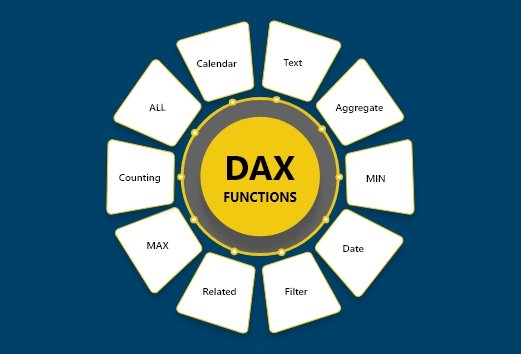
Common DAX Functions
Some commonly used DAX functions include:
• SUM • COUNT • CALCULATE • FILTER • AVERAGE
These functions allow analysts to perform a wide range of analytical calculations.
Why DAX Is Important
DAX enables analysts to create advanced metrics such as:
This article provides a beginner-friendly overview of DAX in Power BI.
For learners interested in developing practical Power BI skills through guided reporting projects, instructor-led programs such as the Power BI Course offered by Excelgoodies combine DAX calculations with real business analytics scenarios.








 Power BI
 SQL
SQL Power Apps
 Power Automate
 Microsoft Fabrics
 Azure Data Engineering