Business intelligence tools help organizations analyze data and create dashboards for decision-making. Two of the most widely used BI platforms today are Power BI and Tableau.
Many professionals entering analytics often ask:
Should I learn Power BI or Tableau?
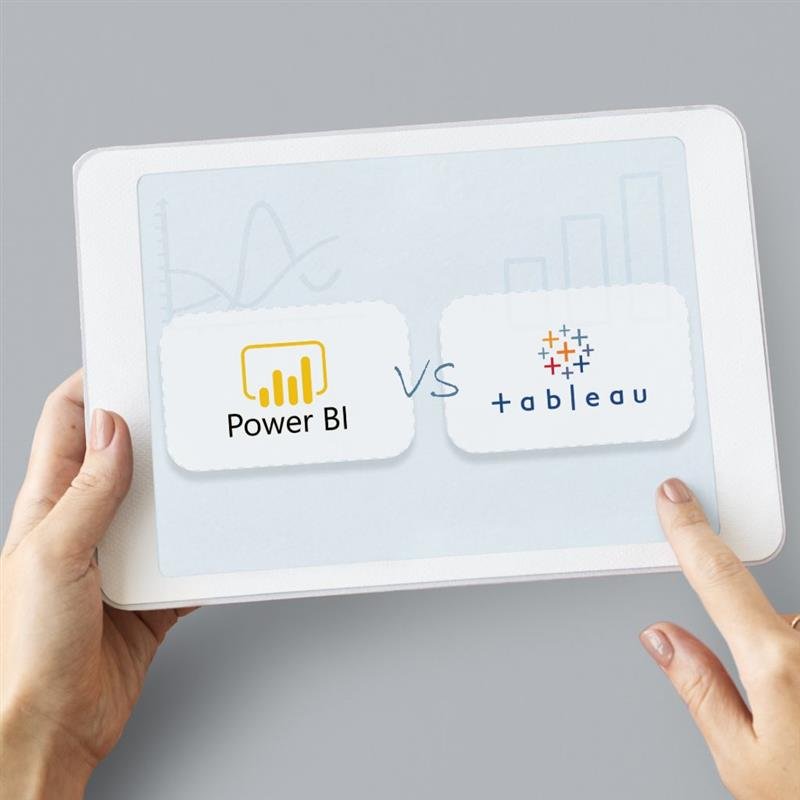
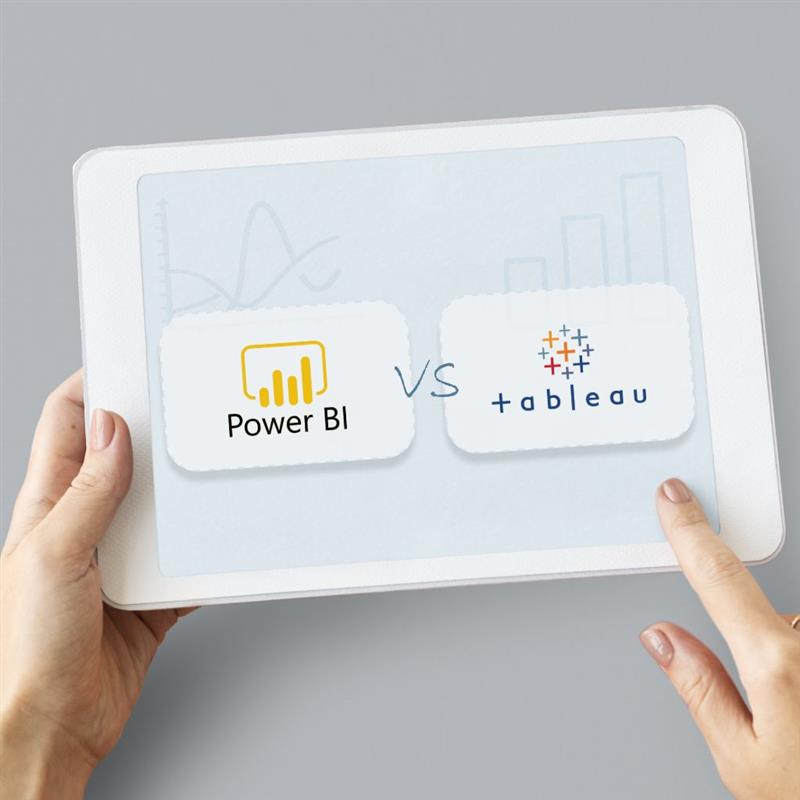
Both tools offer powerful visualization capabilities, but they differ in pricing, usability, and ecosystem integration. This article compares Power BI and Tableau to help learners decide which tool aligns best with their career goals.
Power BI Overview
Power BI is developed by Microsoft and integrates strongly with the Microsoft ecosystem. It is widely used by organizations that rely on Excel, Azure, and SQL Server.
Power BI is known for:
• strong data transformation capabilities • affordability • integration with Microsoft tools
Tableau Overview
Tableau is another leading business intelligence platform used for data visualization.
It is widely known for its powerful visualization engine and ability to handle complex data exploration scenarios.
Key Differences
Power BI is often preferred by organizations using Microsoft technologies.
Tableau is known for advanced visualization flexibility.
However, many companies in Canada use Power BI because of its cost-effectiveness and integration with existing Microsoft infrastructure.
Career Opportunities
Professionals skilled in either Power BI or Tableau can pursue careers in data analytics.
Data analysts with business intelligence skills can earn competitive salaries depending on experience and industry.
For a detailed breakdown of salary trends across Canada, you may refer to our guide on Power BI Salary in Canada (2026 Job Market Report).
Editor’s Note
This article provides a high-level comparison of Power BI and Tableau.
For learners interested in developing practical Power BI skills through guided projects and reporting scenarios, instructor-led programs such as the Power BI training offered by Excelgoodies combine data transformation, modeling, and dashboard design through hands-on exercises.
Readers may explore different tools and learning paths to determine which aligns best with their career goals.







 Power BI
 SQL
SQL Power Apps
 Power Automate
 Microsoft Fabrics
 Azure Data Engineering